For 24-Hour Service Call 905-361-9107

- Home
- Remote Work Security: Protecting Your Business Beyond the Office
Remote Work Security: Protecting Your Business Beyond the Office

November 19, 2026 - Cyber Security
Canadian Cybersecurity Threat Landscape 2026 | Part 9 of 10
Remote Work Security
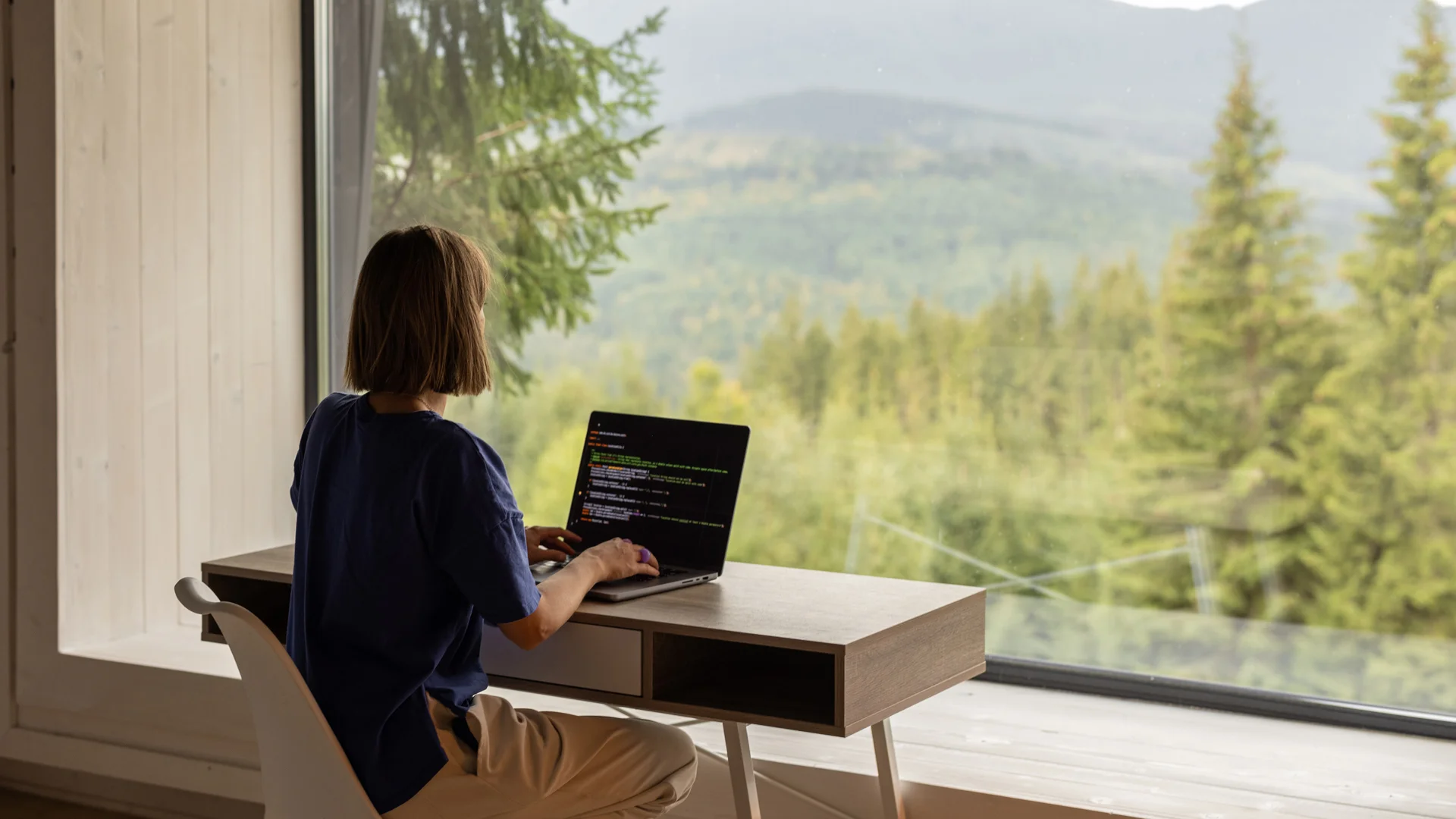
Your employees may be working from home, but your business still needs to stay protected. The modern workplace doesn’t always have four walls. Employees work from home, connect from different networks, use laptops and phones and access business information from wherever they happen to be.
That flexibility has changed the way businesses operate. It has also changed the way cybercriminals look for opportunities.
Remote work can introduce new risks because business data is no longer accessed only from a company office. A personal device, an outdated router, a weak Wi-Fi password or a convincing phishing email can all create an opening.
This is Part 9 of our 10-part series based on our Canadian Cybersecurity Threat Landscape 2026 Report. In Part 8, we looked at cloud security and why moving your business to the cloud doesn’t automatically make it secure. This time, we’re looking at what happens when your employees work beyond the office and what businesses can do to keep those connections secure.
Let’s take a closer look.
What Is Remote Work Security?
Remote work security is about protecting your people, devices, business information and systems when employees are working outside the office.
That can include using a VPN, keeping devices protected and up to date, securing home Wi-Fi, managing company and personal devices and making sure employees only have access to the information they actually need. Good remote work security brings these measures together to protect employees and business information wherever they’re working.
It doesn’t have to be complicated. The goal is simply to make sure that working from home doesn’t create an easy way into the business. That’s why remote work security needs to extend beyond the company’s own network and include the devices and connections employees use every day.
Why Is Remote Work Security Becoming More Important?
Remote and hybrid work have become a normal part of how many businesses operate.
Employees need to be able to access email, files, cloud applications and other business systems from outside the office. That’s useful for productivity, but it also means there are more places where security needs to be considered.
A traditional office has a defined network, managed equipment and physical security around the workplace.
A home office may have a personal laptop, a family Wi-Fi network, an older router and other devices connected to the same internet connection. That doesn’t mean working from home is unsafe. It means businesses need to think beyond the office network.
The Home Office Is Part of Your Security Picture
One of the biggest challenges with remote work is that businesses often have less visibility into the environment employees are working from.
Is the router up to date? Is the Wi-Fi properly secured? Is the employee using a company-managed device or a personal computer? Does that device have current security software?
These questions matter because a compromised home computer can become a pathway to business information.
Our report highlights a Canadian small business case where an employee’s compromised home computer contributed to a near-fraudulent transaction. The lesson isn’t that working from home is the problem.
It’s that the security of the devices and networks employees use can have a direct impact on the business. That’s why remote work security needs to extend beyond the company’s own network and include the devices and connections employees use every day.
IS YOUR REMOTE WORKFORCE PROPERLY PROTECTED?
Remote work doesn’t need to be complicated to secure. A few practical changes can close some of the most common gaps before they become bigger problems.
Get a Free Cyber AssessmentWhat Are the Most Common Remote Work Security Risks?
Many remote work risks are surprisingly familiar.
Unsecured Home Wi-Fi
A home router that still uses default settings, weak credentials or outdated software can create unnecessary risk. Employees should use strong Wi-Fi passwords and keep router software up to date.
Personal or Unmanaged Devices
Employees may sometimes use personal computers, phones or tablets to access business information. If those devices aren’t properly protected or managed, they can introduce risks that the business can’t easily see.
Outdated Devices and Software
An old laptop or unpatched application can contain vulnerabilities that attackers may exploit. Keeping devices and software updated is one of the simplest ways to reduce unnecessary exposure.
Phishing and Fake Remote-Work Tools
Cybercriminals can target remote workers with convincing emails related to tools they use every day. Fake VPN updates, login pages and other work-related messages can be designed to steal credentials or deliver malware.
Too Much Access
Remote employees need access to the systems and information required to do their jobs, but they don’t necessarily need access to everything. Broad access can increase the potential impact if an account or device is compromised.
The Line Between Work and Personal Data
Remote workers may be tempted to send work files to personal email accounts, save them to personal cloud storage or use unauthorized apps to make working from home easier. Without clear policies, sensitive business information can end up in places the business doesn’t control.

HOW SECURE IS YOUR REMOTE WORKFORCE?
From employee devices and home Wi-Fi to remote access and business data, a few overlooked gaps can create unnecessary risk. We can help you identify where your remote work security could be stronger.
Talk to a Cyber Expert6 Ways Canadian Businesses Can Better Protect Remote Workers
The good news is that many of the steps businesses can take are straightforward. A practical remote work security strategy doesn’t have to be complicated.
1. Use VPN and Endpoint Security
Remote workers should use appropriate security controls when connecting to company resources. Endpoint protection can help protect laptops and other devices from malware, ransomware and other threats.
2. Manage Company and Personal Devices
Businesses should know which devices are accessing company information and apply appropriate security controls. Device management tools can help enforce requirements such as screen locks, security software and remote wipe capabilities.
3. Secure Home Office Routers
Employees should change default router credentials, use secure Wi-Fi encryption and keep router software up to date. Where appropriate, work devices can also be placed on a separate network from personal devices.
4. Keep Communication and Training Going
Remote employees don’t have the same opportunities to ask a colleague, “Does this email look right?” Encourage staff to report suspicious messages and keep security awareness part of regular communication and training.
5. Use Zero Trust Principles for Remote Access
Remote work makes it harder to rely on the old idea that something is safe simply because it is connected to the company network. Zero Trust means verifying users and devices before granting access, using measures such as MFA and access policies to protect sensitive systems.
6. Have Clear Rules for Business Data
Make it clear where employees should store and share business information. Avoid relying on personal email accounts or personal cloud storage for work files. Give employees secure alternatives that are easy to use.
Remote Work Security Is a Business Issue, Not Just an IT Issue
It’s easy to think of remote work security as something the IT department handles behind the scenes.
But employees play an important role too.
A secure VPN won’t help much if someone gives their password to a phishing site. Device security won’t protect business information if employees regularly move files to personal accounts. And strong cloud security can still be undermined if someone accesses company systems from an unmanaged device.
Good remote work security is a combination of technology, sensible policies and everyday habits. It’s about making the secure option the easy option.
Final Thought
Your Office May Be Anywhere. Your Security Should Be Too.
Remote and hybrid work give businesses more flexibility, but that flexibility needs to be supported by the right security practices.
The good news is that businesses don’t need to make remote work complicated or restrictive. Securing devices, protecting home networks, managing access, training employees and having clear rules for business data can go a long way towards reducing risk.
At AYS Technologies, we help businesses across Mississauga, Milton, Oakville, Brampton, Georgetown, Guelph and surrounding areas strengthen their IT and cybersecurity so their teams can work securely wherever business takes them.
If you’re not sure how well your remote workforce is protected, our free cyber assessment can help identify potential gaps and provide practical recommendations.
Reach out to us at info@ayscanada.com or call 1-866-410-6867.
WANT THE FULL PICTURE?
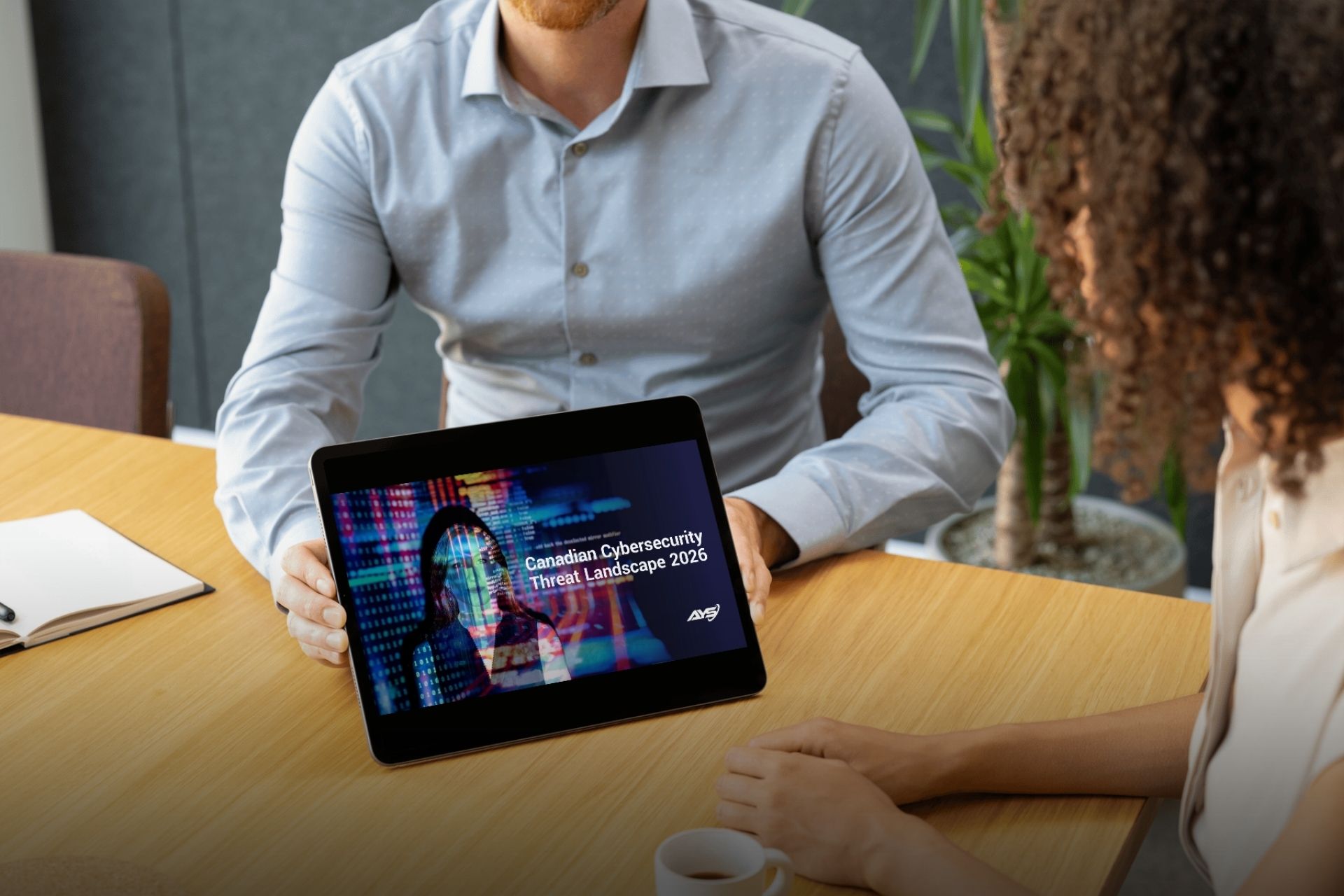
Download the Canadian Cybersecurity Threat Landscape 2026 Report to learn more about the threats shaping 2026 and how your business can stay one step ahead.
Read the Full ReportComing up next: Part 10 – The Digital Drought.
We’ll look at denial-of-service attacks, why they’re becoming easier to launch and what businesses can do to reduce the risk of costly downtime.